Schedule the listings you have approved
Choose when each approved listing goes live, in your own time zone. See every planned listing in one list, move it, pause it, or publish it now. Nothing you have not approved is ever published.
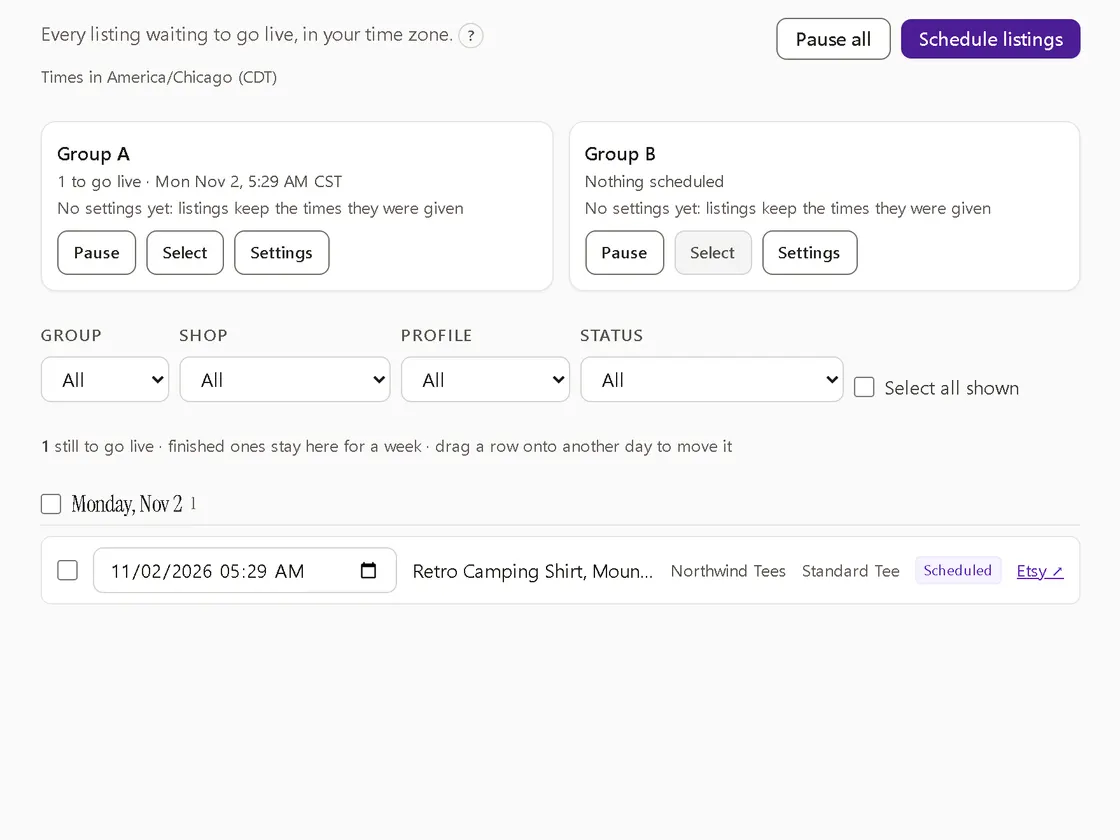
Two ways to plan
- One listing: approve it and pick its time.
- A group: choose shops, a start day, how many listings a day, a daily window and the minutes between them. You see the whole calendar, listing by listing, before you confirm it.
Change your mind freely
- Change a time in place, or drag a listing to another day.
- Select several: set a time, shift them, spread them out or move them to a day. You see old and new times before saving, and one Undo puts them back.
- Pause a group or everything. Pausing cancels nothing; on resume, anything past its time goes out.
Checked again at publish time
When its time comes, each listing is checked again: is it still approved, is the shop still connected, do the checks still pass? If not, it is not published and the Scheduled page says why. One failure does not hold up the rest.
If you publish a draft yourself in Etsy's Shop Manager, or delete it there, Listyro sees that and takes it off the schedule.
Scheduling is included in some of the plans we intend to offer and an add-on in others; see pricing.